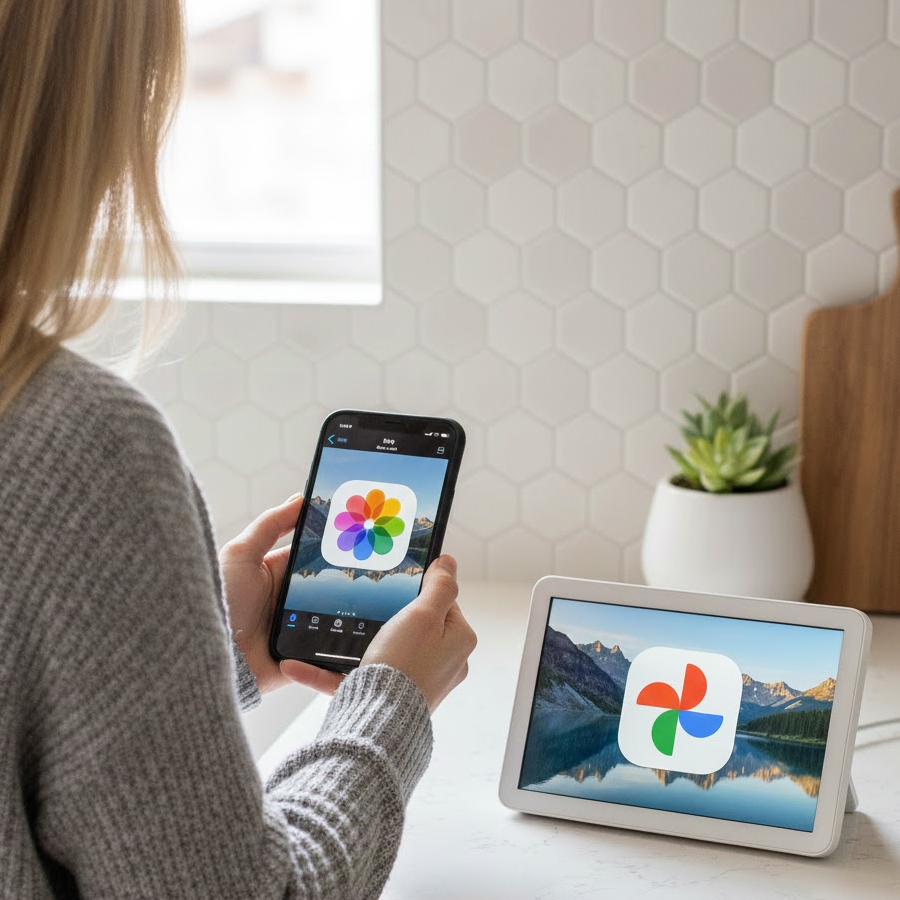
How It Works

🔒 Security & Privacy First
Your privacy is our top priority. We designed our system to be secure by default.
Ephemeral Processing
We don't permanently store your photos. Images are streamed directly to Google Photos and deleted from our memory immediately after upload.
No Apple ID Needed
We never ask for your Apple ID or password. We only use the public URL of the Shared Album you provide.
Limited Access
Our Google authorization is strictly limited to adding photos. We cannot view, modify, or delete your existing library.
Strict Isolation
Your data is logically separated. Our workers are locked to your specific user context, ensuring your photos are never mixed.
📱 How to Setup iCloud Shared Albums
To sync an album, you just need to enable the "Public Website" option to generate a secure link.
https://www.icloud.com/sharedalbum/#B0kGVHZk0G1S2X
💎 Pricing Tiers
Free Tier
- 1 album
- 100 photos sync limit
- Manual syncs only
- Full quality transfers
- Unlimited photos
- Unlimited albums
- Scheduled syncs
Pro Tier
- Unlimited photos
- Unlimited albums
- Scheduled syncs
- Full quality transfers
- Background processing
For keeping your photos in sync automatically
🚀 Why use A2GPhotos?
Incremental Sync
Only new photos are uploaded. We track what has already been synced so you don't get duplicates.
Full Quality
We transfer the highest resolution available from the iCloud Shared Album directly to Google Photos.
Background Tasks
Albums with thousands of photos can take time. Our cloud workers run in the background so you don't have to keep your browser open.